
Google Ads for realtors means paying to show an ad when someone searches for something you offer, such as homes for sale in a town or the value of a house. You pay when a person clicks, which is why it is also called pay-per-click, or PPC real estate advertising. This guide explains how Google Ads for realtors works, the housing rules that limit your targeting, what to bid on, what it costs, how to measure it, and how to test it without burning a month of budget.

How Google Ads for Realtors Works
Search ads appear above or below the normal results when a person types a query. You choose the words you want to appear for, write the ad, set a daily budget, and Google runs an auction each time the search happens. The advantage over most other channels is intent: the person is already looking, so you are answering a question instead of interrupting someone. The weakness is cost, because every click is paid, whether or not the person ever calls.
That makes Google Ads for realtors a good fit for agents who can follow up quickly and have a clear offer, and a poor fit for agents with no time to answer. Paid search is one channel among several, and our guide to choosing marketing channels shows how it compares with referrals, mail, and social media. For the wider picture of paid channels and costs, see our comparison of real estate advertising channels.
The Housing Rules That Limit Google Ads for Realtors
Real estate ads fall under Google’s housing policy in personalized advertising. The page covers ads for places where a person would reside and for products and services that help with the sale or rental of homes, and lists housing listing sites, real estate services, and individual homes for sale or rent as examples. It does not name agents, but an agent’s ad for homes or home sales should be treated as covered.
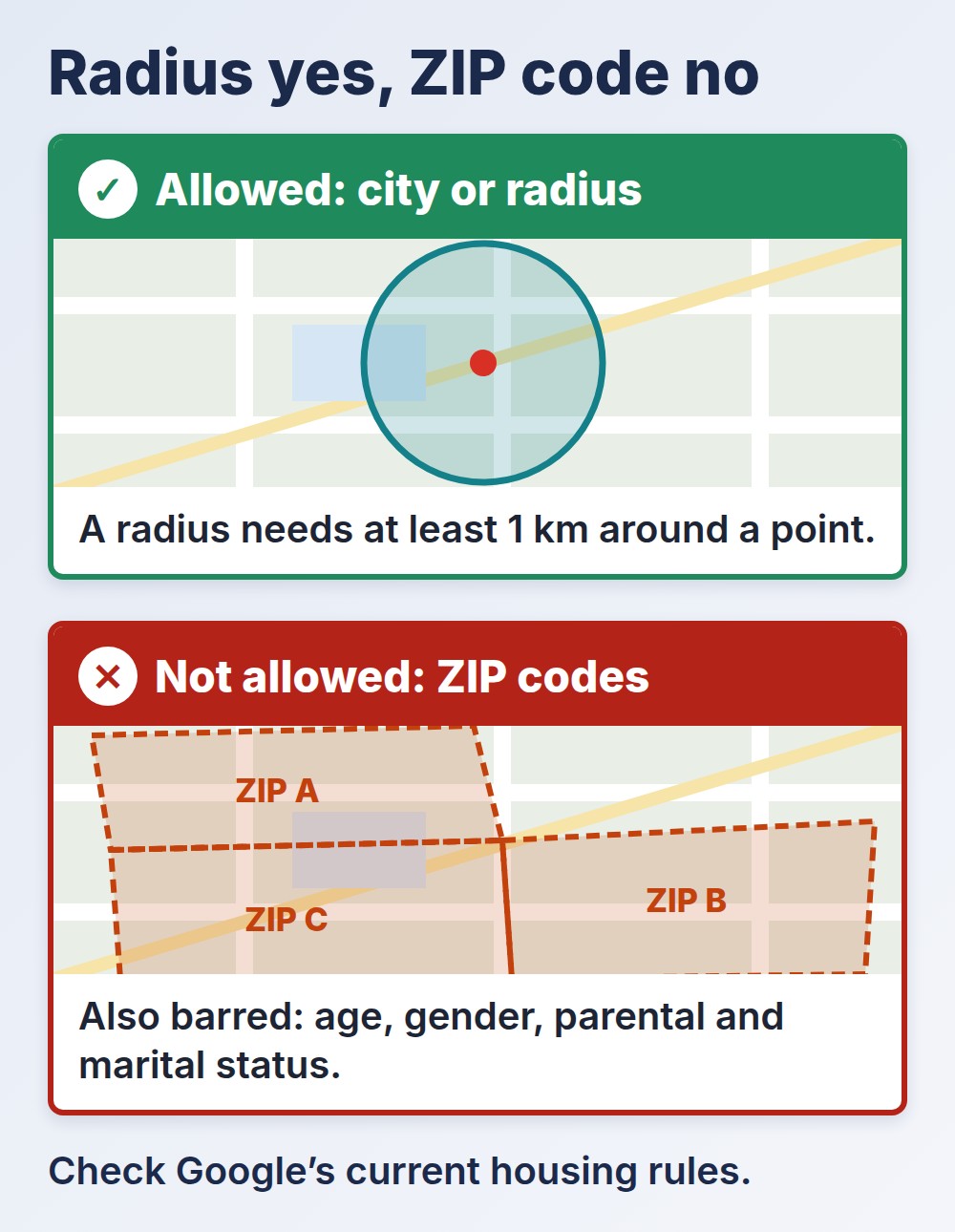
In the United States and Canada, Google’s housing policy says you cannot target by gender, age, parental status, marital status, or ZIP code. You can target by radius, with a minimum of 1 kilometer around a location, and by city. The page also says Google considers the landing page, so if the page is about housing the ad may be in scope even when the ad text is not.
| Targeting Choice | For Real Estate Ads in the US |
|---|---|
| City | Allowed |
| Radius around a location (at least 1 km) | Allowed |
| ZIP code | Not allowed |
| Age, gender, parental status, marital status | Not allowed |
These rules sit on top of fair housing law, which applies to the words in the ad as well. Describe the home and the service, not the kind of person who should live there, as 24 CFR 100.75 on discriminatory advertisements explains.
What to Bid On in Google Ads for Realtors
The words you buy decide who sees you. Most agents get better results from a few specific searches than from broad terms that bring curious visitors. Think in three groups: buyers looking at a place, sellers asking what a home is worth, and people looking for an agent by name or area.
| Search Type | Example Search | Matching Offer |
|---|---|---|
| Buyer, place | homes for sale in [town] | A neighborhood search page or buyer guide |
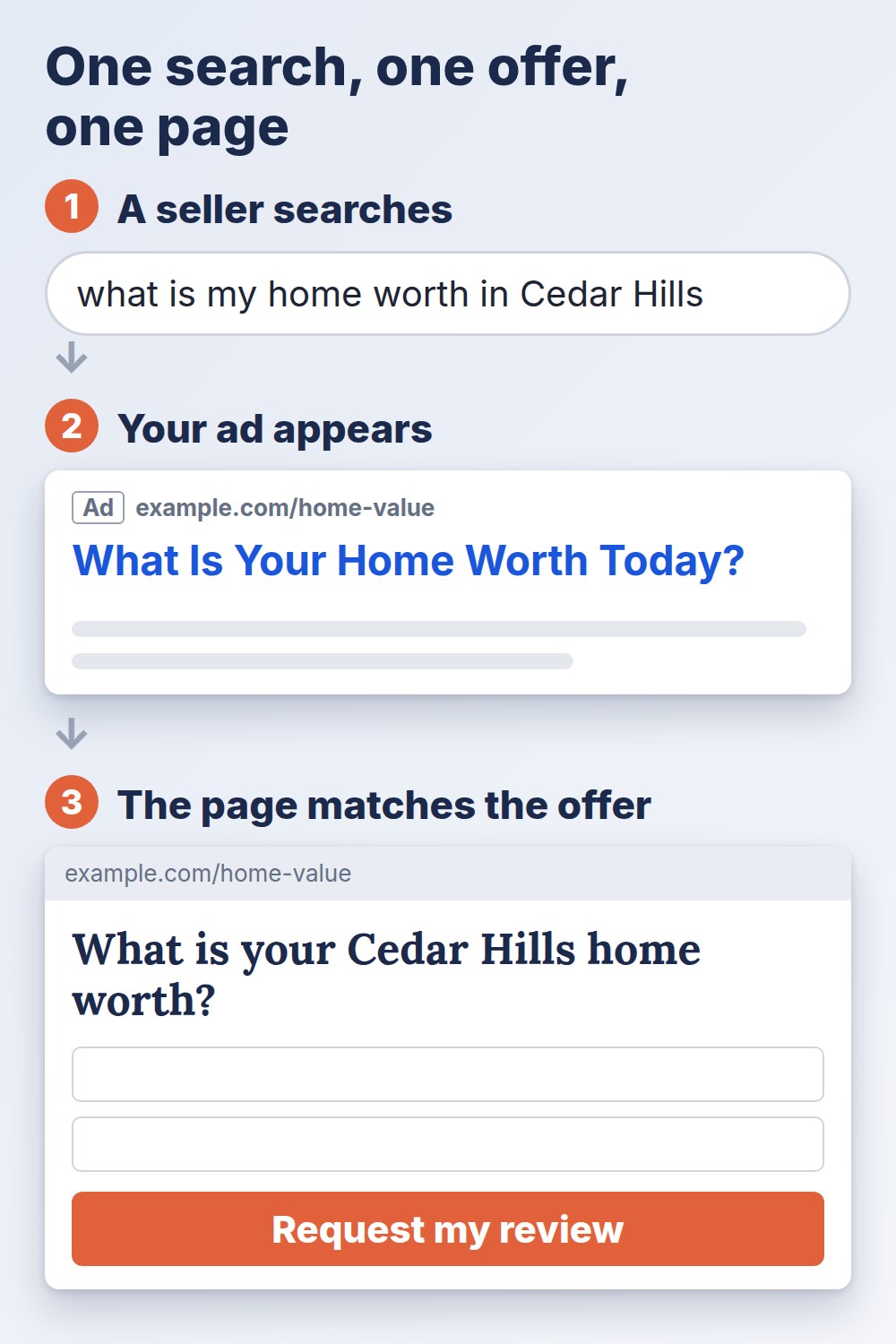
| Seller, value | what is my home worth in [town] | A home valuation request |
| Agent, area | real estate agent in [town] | A clear page about you and a phone number |
| Agent, brand | your own name | Your profile and contact page |
Add negative keywords, which are words that stop your ad from showing, for searches you do not want, such as rentals if you do not work with rentals or job-related searches. Review the search terms report weekly, because it shows what people actually typed, and it is the quickest way to find wasted spend.
What Google Ads for Realtors Costs
There is no single price, because each click is set by an auction that changes with your market, the season, and the competition. Ylopo, a vendor that sells lead generation to agents, lists Google Ads search leads at about $50 to $150 per lead in its breakdown of what real estate leads cost, and it is one vendor’s view, not a benchmark, so use your own numbers. The more useful question is cost per closing, which our guide to what a lead really costs for agents explains.
Start small. A test budget you can lose without worry, on one offer and one area, tells you more than a large budget spread across many ideas. If you have not set an overall budget yet, split it with the template in our overall marketing budget template first.
Landing Pages and Follow-Up Decide the Result
A click is only a visitor. The ad has to lead to a page about the exact thing the person searched for, with one clear action, such as a valuation request or a call. Sending every click to your home page loses people who wanted something specific. Match the headline on the page to the words in the ad, keep the form short, and test the page on a phone, because many searches happen there.
Then answer fast. A paid lead that waits a day is usually money lost. If you cannot reply within minutes during business hours, set up an automatic first reply and a task for yourself, as the complete lead follow-up automation guide explains.
Track the Right Actions
Set up conversion tracking so Google Ads records form submissions and phone calls, not only clicks. Without it you will optimize for clicks, which is the wrong goal. Then record in your CRM which paid leads became appointments and closings, so you can compare sources on cost per closing and not just cost per lead.
How to Test Google Ads for Realtors in Four Weeks
- Week one: Pick one offer and one city or radius. Build one ad group around three to five specific searches, write two versions of the ad, and set a small daily budget.
- Week two: Read the search terms report, add negative keywords, and pause searches that get clicks but no contacts.
- Week three: Improve the landing page based on what visitors did, such as shortening the form or moving the phone number higher.
- Week four: Count paid leads, appointments, and cost per lead. Decide whether to scale, change the offer, or stop.
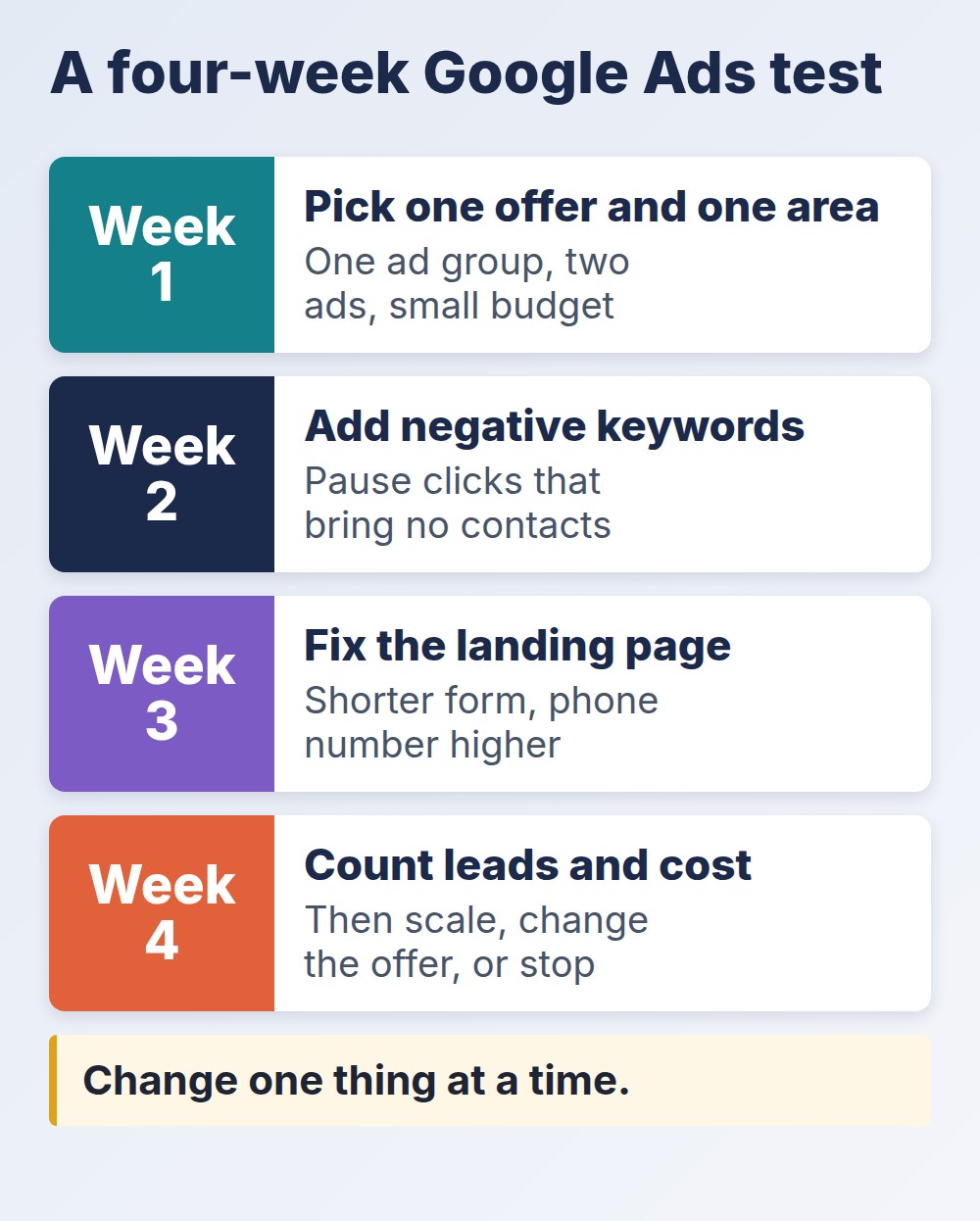
Keep a note of what you changed each week, so you know which change moved the numbers. Changing five things at once teaches nothing.
Common Google Ads for Realtors Mistakes
- Targeting ZIP codes or demographics. It breaks Google’s housing rules and can get ads disapproved.
- Buying broad words. You pay for curious clicks instead of people ready to act.
- Sending clicks to the home page. The visitor does not find what they searched for.
- Slow follow-up. The click was paid for and the lead goes to the next agent.
- No tracking. You cannot tell which searches produced a closing.
- Judging too early. A few days of data is noise, so give each test its four weeks.
Final Thoughts
Google Ads for realtors works when a specific offer meets a person who is already searching, and when you reply quickly. Learn the housing targeting rules before you build anything, start with a small test on one offer, send clicks to a matching page, track calls and forms, and judge the result by cost per closing. Do that for a month and you will know whether paid search belongs in your plan or whether your money is better spent elsewhere.
