
A real estate email signature is the small block at the bottom of every message you send, and it does three jobs: it tells people who you are, it makes you easy to reach, and it carries the details your brokerage and state may require. This guide covers what to include, signature examples you can adapt, the REALTOR® mark rules, and the email rules that apply when the message is marketing.
What Should a Real Estate Email Signature Include?
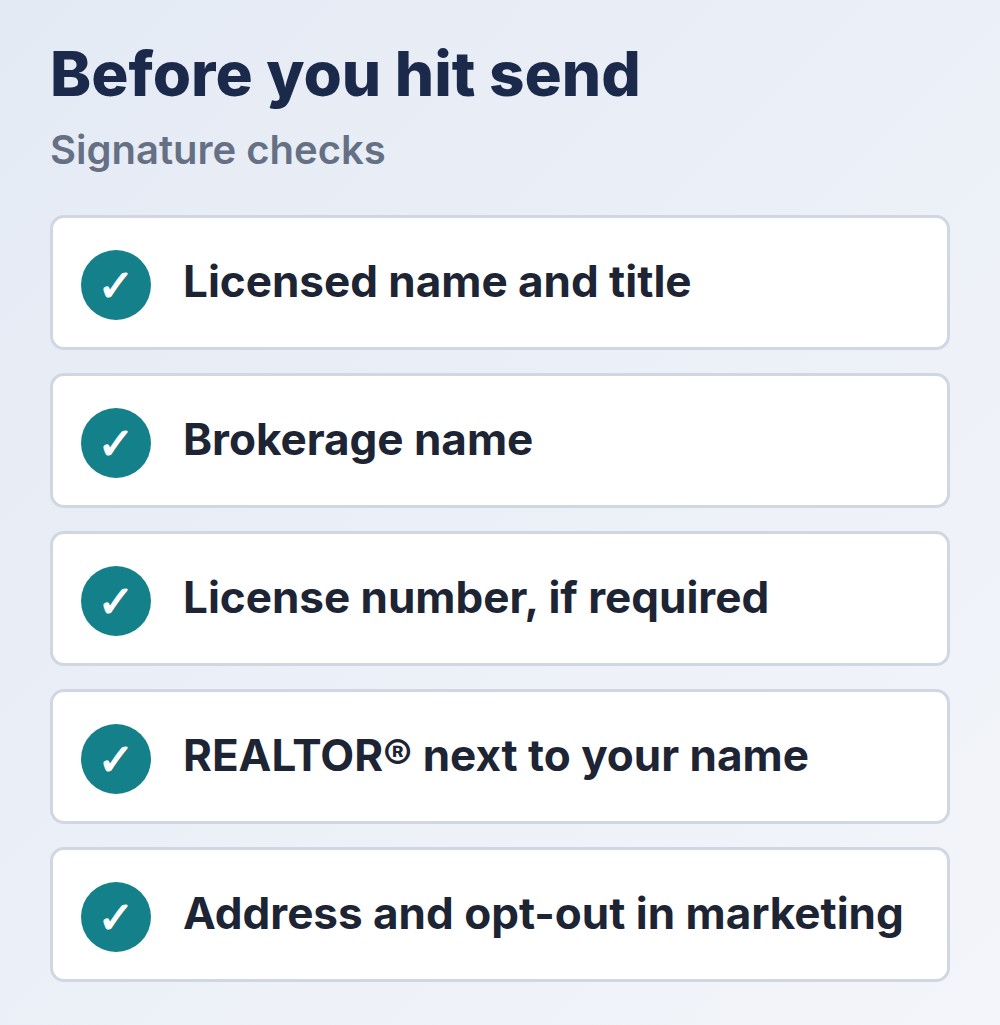
Keep a real estate email signature short and complete. Exclaimer’s realtor email signature guide lists the core elements as full name, professional title, brokerage name as licensed, license number where disclosure is required, and a direct phone, email and website. It treats a headshot, brokerage logo and Equal Housing Opportunity logo as recommended extras. This table turns that into a checklist.
| Element | Why It Is There | Check Before You Add |
|---|---|---|
| Full name and title | Tells the reader who you are | Use your licensed name and a title you hold |
| Brokerage name | Required or expected in advertising in many places | Match your registration and your broker’s style rules |
| License number | Required in some states | Ask your broker or state commission |
| Phone, email, website | Makes you easy to reach | Use one number and one site |
| Photo or logo | Helps people recognize you | Keep the file small |
| Equal Housing Opportunity logo | Common in real estate advertising | Ask whether your broker wants it |
| Booking or listings link | Gives the reader a next step | Pick one link, not five |
The brokerage and license items are the ones to confirm. Rules differ by state, and a broker may also have a required format. Ask your managing broker for the approved signature before you design your own.

Real Estate Email Signature Examples
These examples use made-up names. Adapt the wording to your own license, brokerage and local rules.
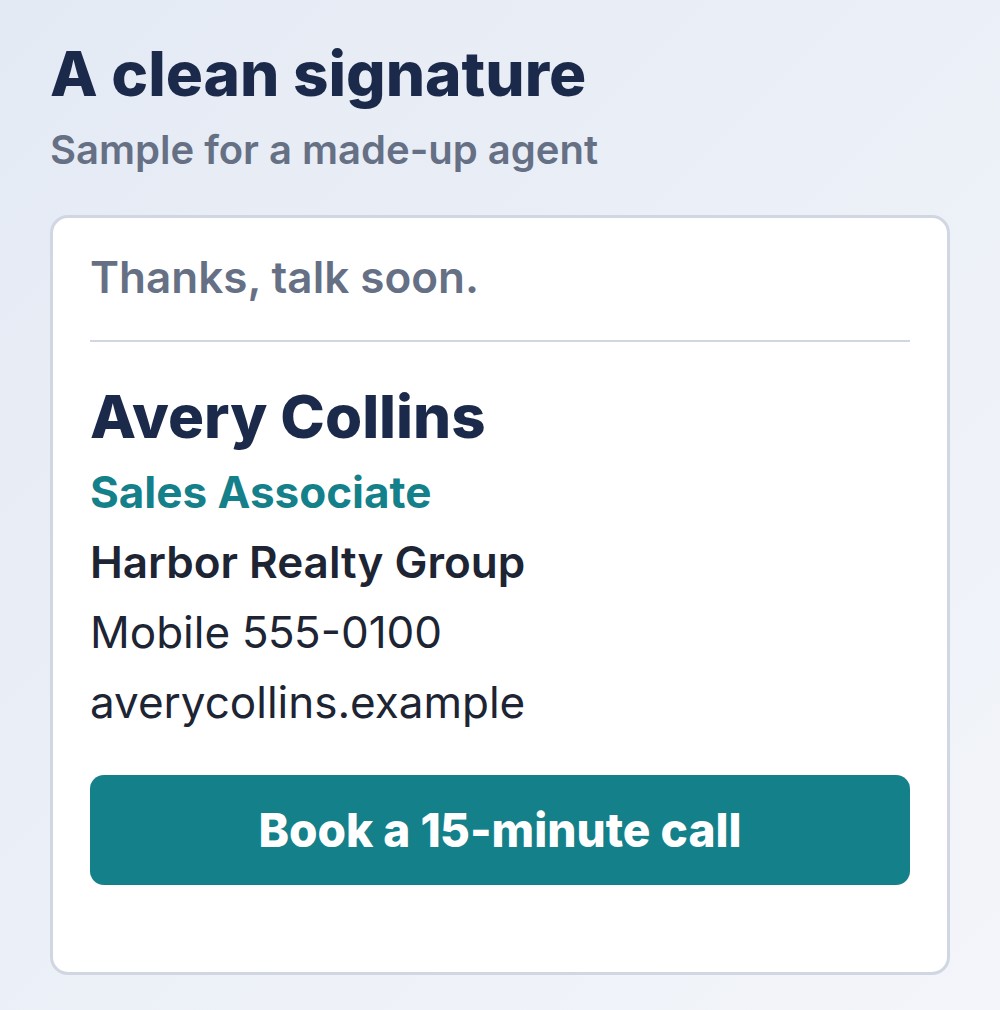
Solo agent
Avery Collins, REALTOR®
Sales Associate, Harbor Realty Group
License #000000 (if your state requires it)
Mobile 555-0100 | averycollins.example
Book a 15-minute call: link
Team member
Jordan Lee
The Lee Team at Harbor Realty Group
Direct 555-0101 | leeteam.example
Our active listings: link
Marketing email footer
Avery Collins, REALTOR® | Harbor Realty Group
100 Main Street, Suite 2, Anytown, ST 00000
You are receiving this because you asked for market updates. Unsubscribe: link
Note that the third example adds a postal address and an opt-out, which belong in marketing messages. The section on rules below explains why.
What Rules Apply to a Real Estate Email Signature?
The REALTOR® marks. Only NAR members can call themselves a REALTOR®. NAR’s guidance on using the marks with a firm name says the terms may sit next to a firm name but not be part of it, that they must be separated from a name by punctuation, as in “J.J. Jones, REALTOR®,” and that they should not be combined with another occupation, such as “REALTOR®/Builder.” The page does not discuss email signatures, so apply the same logic and check your local association.
Brokerage name and license number. Advertising rules can reach email depending on where you work, and some states require a license number or the brokerage name. The details vary, so confirm with your broker or commission rather than copying another agent’s signature.
Marketing emails. The FTC’s CAN-SPAM compliance guide says a commercial email must identify itself as an ad, include a valid physical postal address and give a clear way to opt out, and that you must honor an opt-out within 10 business days. A one-to-one reply is different from a newsletter, but any bulk or promotional email should carry those items, usually in the footer.
Fair housing. Equal Housing language is common, and it does not replace the rule itself. Federal rules on housing advertising are in 24 CFR 100.75, so keep any tagline about a property or a neighborhood neutral.
If you send texts or automated messages as well as email, the consent rules are different. Our guide to TCPA compliance for real estate agents explains them.
What About Teams, Brokerages and Disclaimers?
A team signature needs the same care as an individual one. Put the team name in the way your brokerage allows, keep the brokerage name visible and use one layout for everyone, so the whole team looks like one brand. If a brokerage supplies a template, use it exactly, because brokerages often set the required format.
A short disclaimer can help, for example a line noting that a message is confidential or that nothing in it is legal advice. Add one only if your broker asks for it, because a long block of legal text makes the real estate email signature harder to read and does not replace the rules above.
How Do You Design a Real Estate Email Signature That Works?
Design it for a phone, because that is where many of your emails are read. These points are our suggestions:
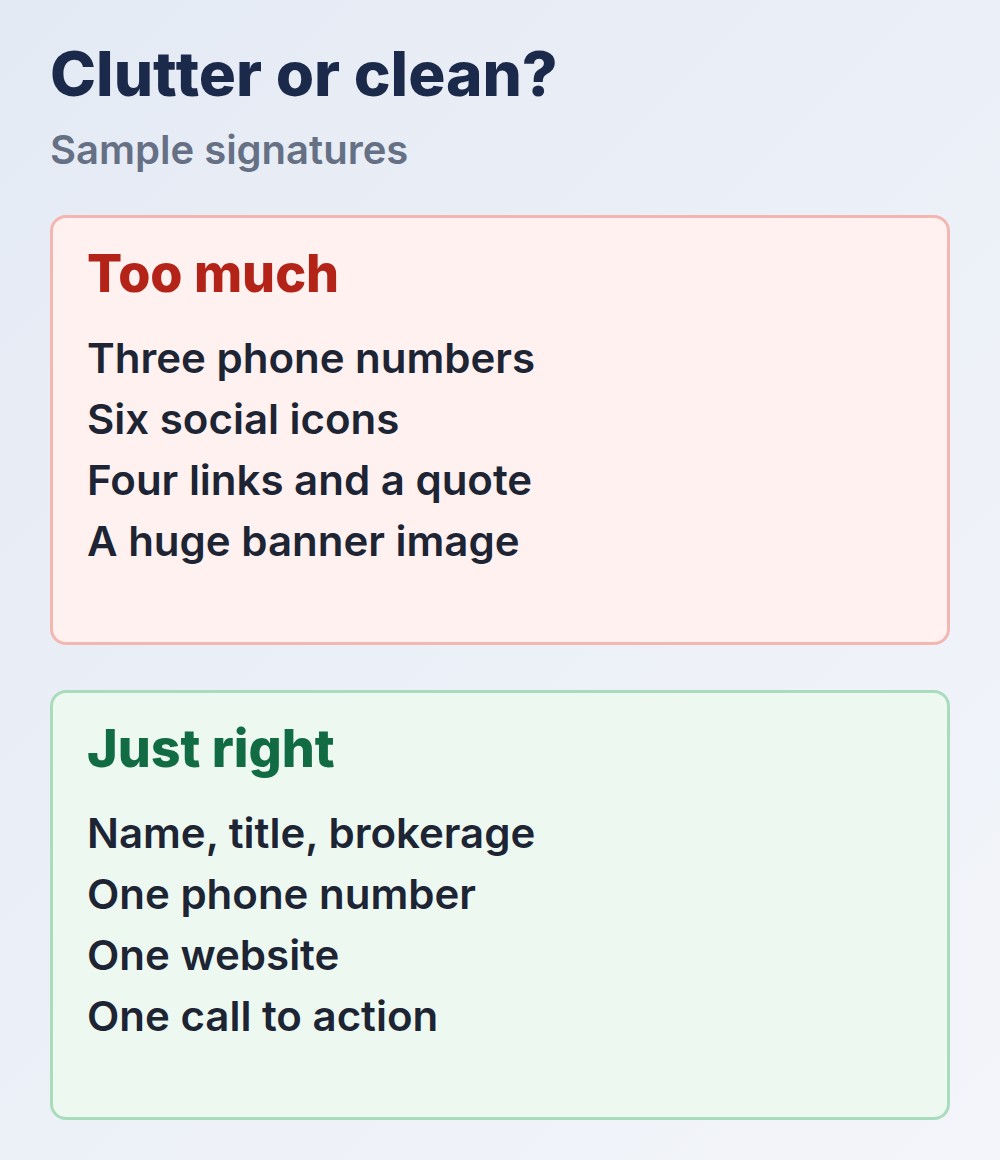
- Keep it to a few lines. Name, title, brokerage, one phone number and one link. More than that is clutter.
- Use text for what matters. Many email apps hide images until the reader allows them, so do not put your phone number only inside a picture.
- Match your brand. Use the same logo, colors and wording as your business card and agent bio. Our real estate branding guide covers how they fit together, and our guide to real estate logos helps if yours needs work.
- Pick one call to action. A booking link, a link to your listings or a link to reviews, not all three. Our guide to real estate testimonials covers a reviews page.
- Test it. Send it to yourself and open it on a phone and in two different email apps.
Whatever link you pick, make sure someone answers it. Infina AI, our own product, is an AI assistant for real estate agents that helps with follow-up and listing questions, so a click from your signature does not end in silence.
Common Real Estate Email Signature Mistakes
- Too many links and icons. Readers ignore a crowded block.
- Using REALTOR® in the wrong place. Keep it next to your name, separated by punctuation, and only if you are a member.
- A different signature for every device. Set it on your phone as well as your computer.
- Out-of-date details. Update it when you change brokerage, phone or license status.
- No address or opt-out in marketing emails. Those are required for commercial messages.
- A giant image. It loads slowly and may not show at all.
Final Thoughts
A good real estate email signature is short, accurate and compliant. Include your licensed name, title and brokerage, add your license number if your state requires it, use the REALTOR® mark correctly, and keep one clear next step. Ask your broker for the approved format, add the postal address and opt-out to marketing emails, and check the signature on a phone. Once it is right, you send it hundreds of times without thinking about it.
