
Real estate video marketing does not need a studio. It needs three or four video types you can repeat, a short script, and a phone setup that takes two minutes. This guide covers video for real estate in practical terms: which videos to make first, how to script them, what to film with, how often to post, and the rules that apply once a camera is rolling.
What Is Real Estate Video Marketing?
Real estate video marketing is using short and long videos to show listings, your neighborhood knowledge and your personality to people who may hire you. The goal is the same as any other channel in your real estate marketing mix: be seen, be trusted and make it easy to reach you.
Real estate video marketing works because video lets a stranger judge you before they call. A buyer can see how you explain a neighborhood, and a seller can hear how you talk about a price. That is hard to get from a paragraph of text, which is why many agents add video to a site and profile that already work.

Which Video for Real Estate Should You Make First?
Start with formats you can produce every week. Colibri Real Estate’s guide to real estate video marketing recommends choosing three or four types and sticking with them, and it suggests keeping social clips vertical and between 15 and 60 seconds, with longer tours saved for YouTube and your website.
| Video Type | Best For | Where It Lives |
|---|---|---|
| Listing highlight | Showing one home’s best features | Social clips, listing page |
| Full property tour | Buyers who want the whole picture | YouTube, your website |
| Neighborhood spot | Searches for an area, long after a listing sells | YouTube, Google profile |
| Quick answer to a common question | Showing expertise to buyers and sellers | Social clips, email |
| Client story | Proof that people trust you | Website, social |
| Agent introduction | First impressions on your bio page | Website, profile |
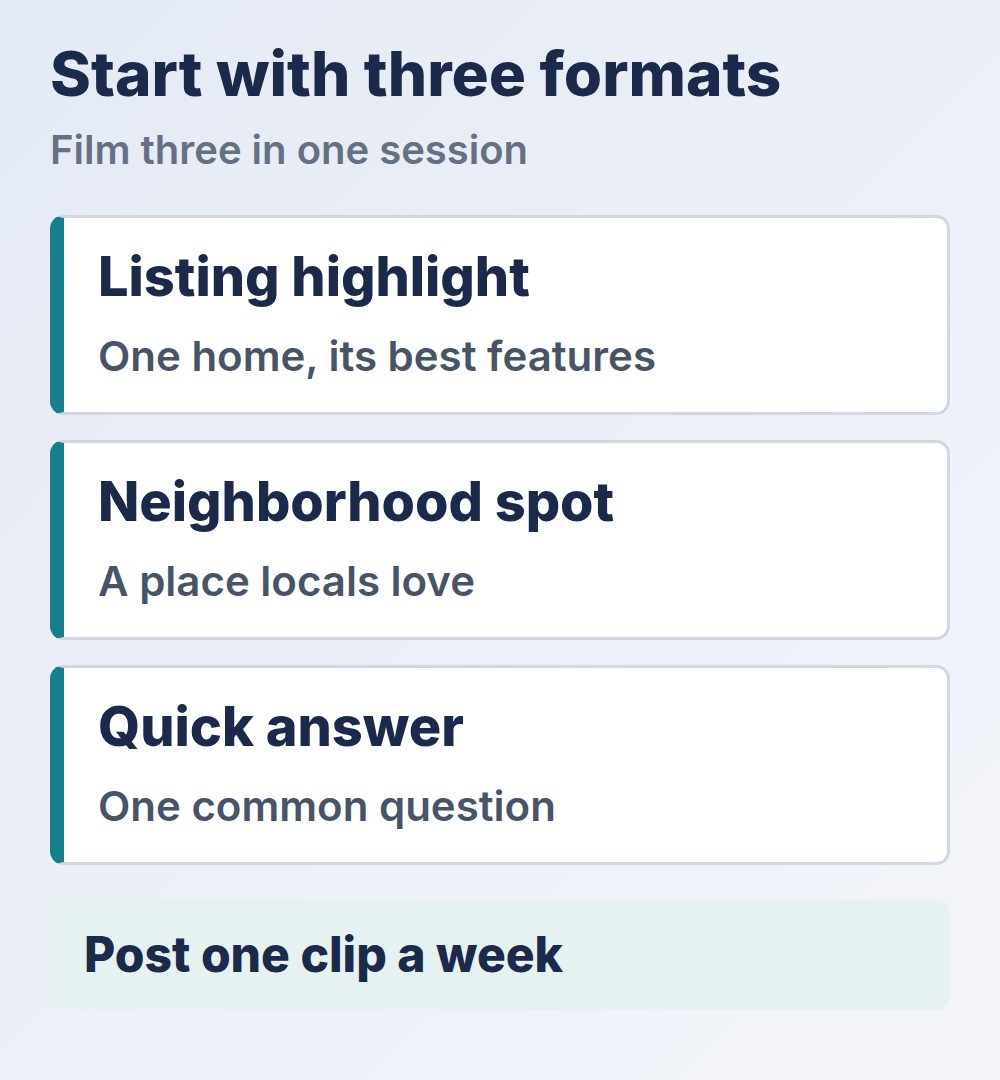
For most agents, the best first three are a listing highlight, a neighborhood spot and a quick answer. They need no one else on camera and they cover both buyers and sellers. Add a client story once you have permission and a good experience to share. Our guide to real estate testimonials covers how to ask.
How Do You Script a Real Estate Video?
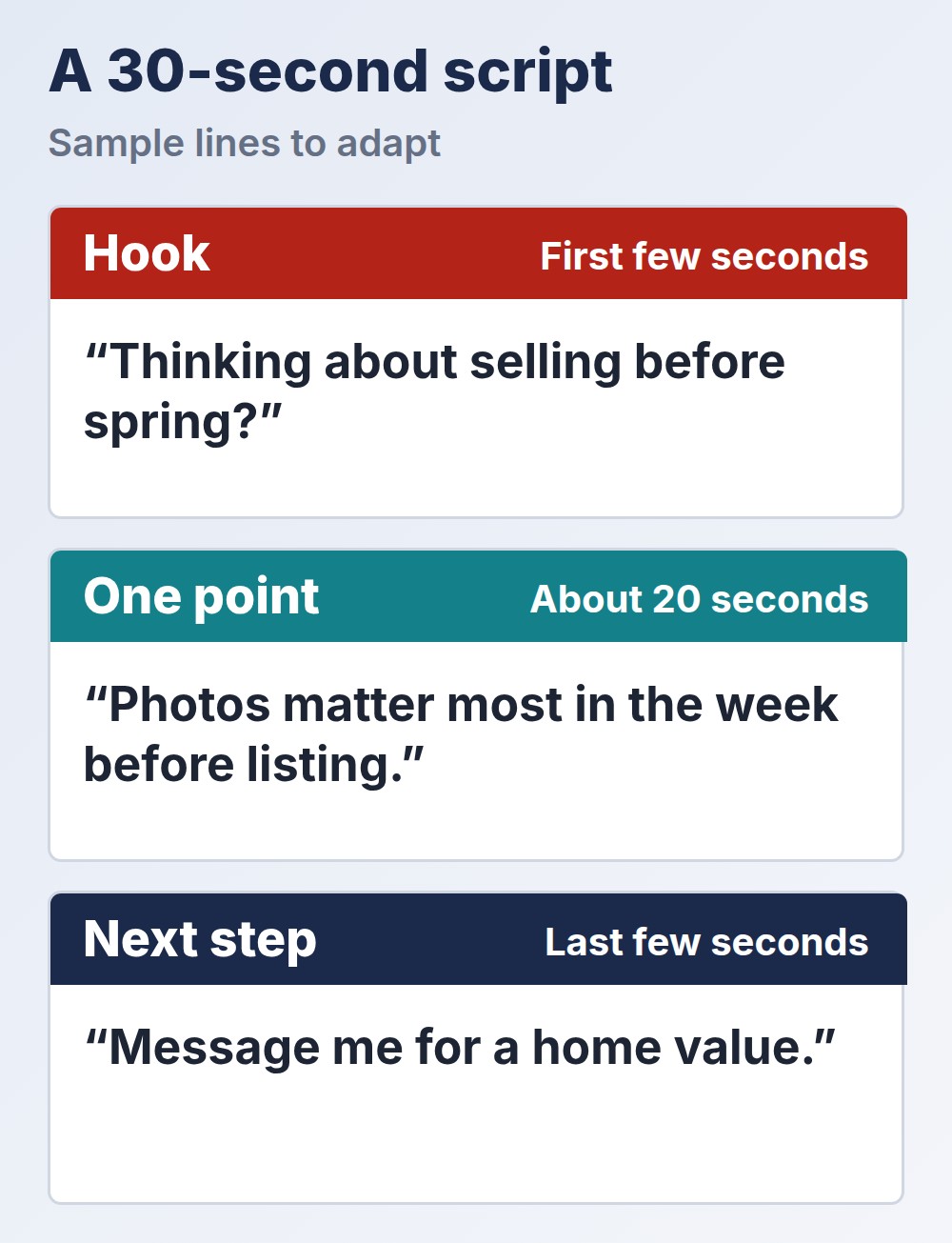
Keep a script to three beats. This is our suggested shape for a 30-second clip rather than a rule:
- Hook (first few seconds). Open with the viewer’s question or problem, not with your name. “Thinking about selling before spring?” beats “Hi, I’m your local expert.”
- One point. Give one useful fact or tip. A second point belongs in a second video.
- Next step. Tell people what to do, such as sending you a message or visiting a page.
Work from talking points, not a memorized speech, because a short list of bullet points sounds more natural than a script read word for word. HeyGen’s guide to a realtor introduction video makes the same point about the opening: lead with the viewer’s problem rather than a generic greeting, and keep each point to one short line with a single call to action.
What Real Estate Video Marketing Ideas Can You Use This Month?
Ideas are the easy part once you have the formats. These hooks are examples to adapt to your own market, each one fitting a single 30-second clip:
- Neighborhood spot: “Here is the coffee shop locals pick, and why it matters if you are moving here.”
- Quick answer: “Do you need to repaint before you list? Here is how I decide.”
- Listing highlight: “Three details in this kitchen that photos miss.”
- Seller tip: “What I tell sellers to do in the week before photos.”
- Buyer tip: “What to check at a showing that most buyers forget.”
- Market update: “What changed in our area this month, in 30 seconds.”
Keep a running list in your phone and add to it whenever a client asks you something. A question you answer twice in a week is a video you should film.
What Do You Need to Film Video for Real Estate With a Phone?
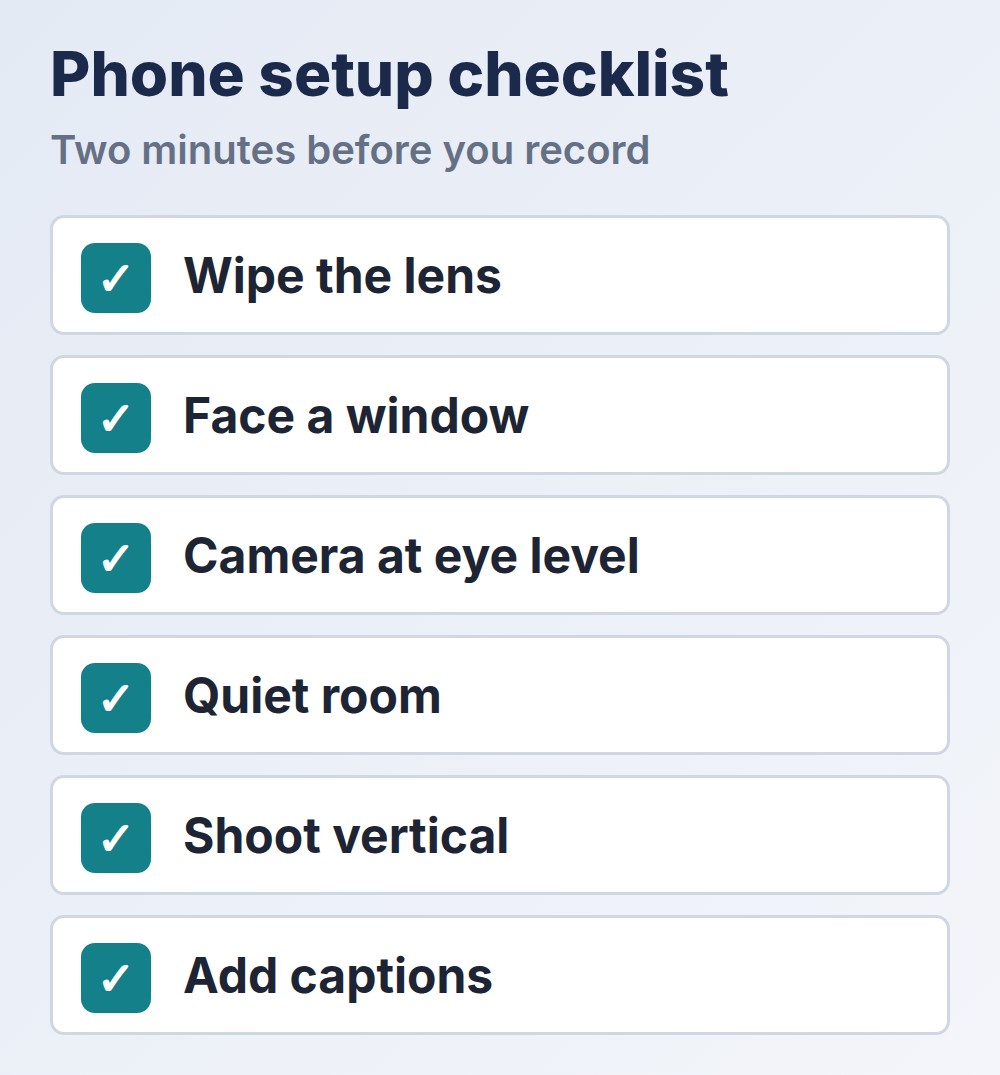
Almost nothing. Colibri says to start with a smartphone, because gear matters less than consistency and a clear message. Use this checklist before you press record:
- Wipe the lens.
- Face a window for soft light, and avoid a bright window behind you.
- Hold the camera at eye level, or brace your elbows or use a small tripod.
- Film in a quiet room.
- Shoot vertical for social clips, and horizontal for longer tours.
- Add captions, because many people watch without sound.
Good video for real estate does not depend on equipment. Buy better gear only when video is already bringing you business. A basic microphone is usually the first upgrade worth considering, because clear sound is hard to fix after you record.
How Often Should You Post Real Estate Video Marketing?
Once a week is a good rate to start with, and it is easy to keep. Film three clips in one session, post one each week, and reuse each clip on every channel you use. Our guide to a weekly social media routine for realtors shows where this fits, and our guide to a Google Business Profile for realtors covers where neighborhood videos can also live.
Put video on a page too, not only in a feed. A neighborhood video on your website or profile keeps working after the post scrolls away. If you want to see where automation is heading, our news piece on AI video marketing automation for real estate agents explains what these tools do and what to check before relying on them.
Plan the clips alongside the rest of your spending in your real estate marketing plan, so video time and money are chosen rather than left over. Whatever you film, the lead matters more than the clip. Infina AI, our own product, is an AI assistant for real estate agents that helps with follow-up and listing questions, so a viewer who writes after a video gets an answer quickly.
What Rules Apply to Video for Real Estate?
- A video is advertising. Colibri notes that the same rules that cover other listing advertising apply on camera, so check your state and brokerage requirements on names and disclosures before you post.
- Fair housing applies to what you say. The rule in 24 CFR 100.75 covers spoken and written statements about housing. Describe the property and the amenities, not the people, and do not call a home perfect for a type of family or group.
- Get permission for people and places. Ask clients before you film them or their home, and get their approval in writing for testimonials.
- Use licensed music. Pick music from the platform’s own library or a source that licenses it for business use.
- Check drone rules. Drone footage for a business generally calls for an FAA remote pilot certificate, so review the FAA’s drone pages before you hire anyone or fly.
Common Real Estate Video Mistakes
- Starting with an introduction. Open with the viewer’s question instead.
- Trying every format. Three repeatable types beat ten you drop.
- Making clips too long. Cut each one to its single point.
- Skipping captions. A silent viewer cannot follow a clip with no text.
- Buying gear first. Habit comes before equipment.
- Leaving out the next step. A video with no invitation gets compliments and no calls.
Final Thoughts
Real estate video marketing rewards consistency over production quality. Choose three formats for your real estate video marketing, write each as a hook, one point and a next step, film in one batch with a phone and a window, and post weekly. Check the advertising, fair housing and permission rules before you publish, and track which clips bring messages. A plain video you post every week will do more for you than a polished one you film once.
