
A Google Business Profile is the free listing that can put you on Google Maps and in the local panel when someone searches for an agent near them. For many people it is the first look at you, before your website or your social pages. This guide explains how a Google Business Profile for realtors works, whether you qualify for one, how to set it up, what to put in each field, how to handle reviews, and which mistakes get a profile suspended.

What a Google Business Profile for Realtors Does
A profile shows your name, photos, phone number, website, hours, and reviews in Google search and Maps. When a buyer or seller searches for something like an agent in their area, a profile is often what they see first, which makes it a small piece of marketing that does a lot of work. It also gives you a place that Google trusts to hold your basic facts, so people see the right phone number and the right link instead of an old directory entry.
It is one piece of your wider plan, not the whole thing. Our agent guide to online and offline marketing shows where local search sits next to referrals, mail, and social media. If you want the full picture of ranking, our guide to local search work beyond the profile covers your website as well.
How Google Decides Who Shows First
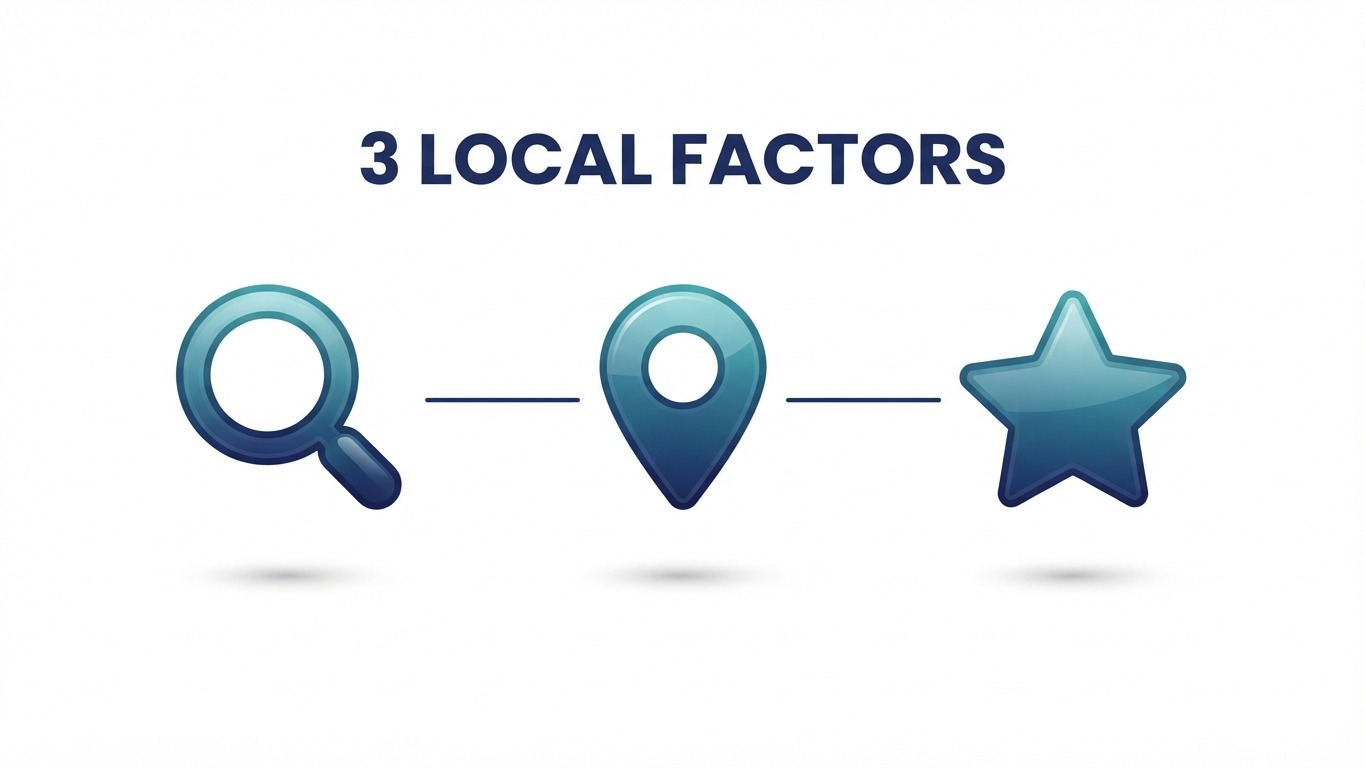
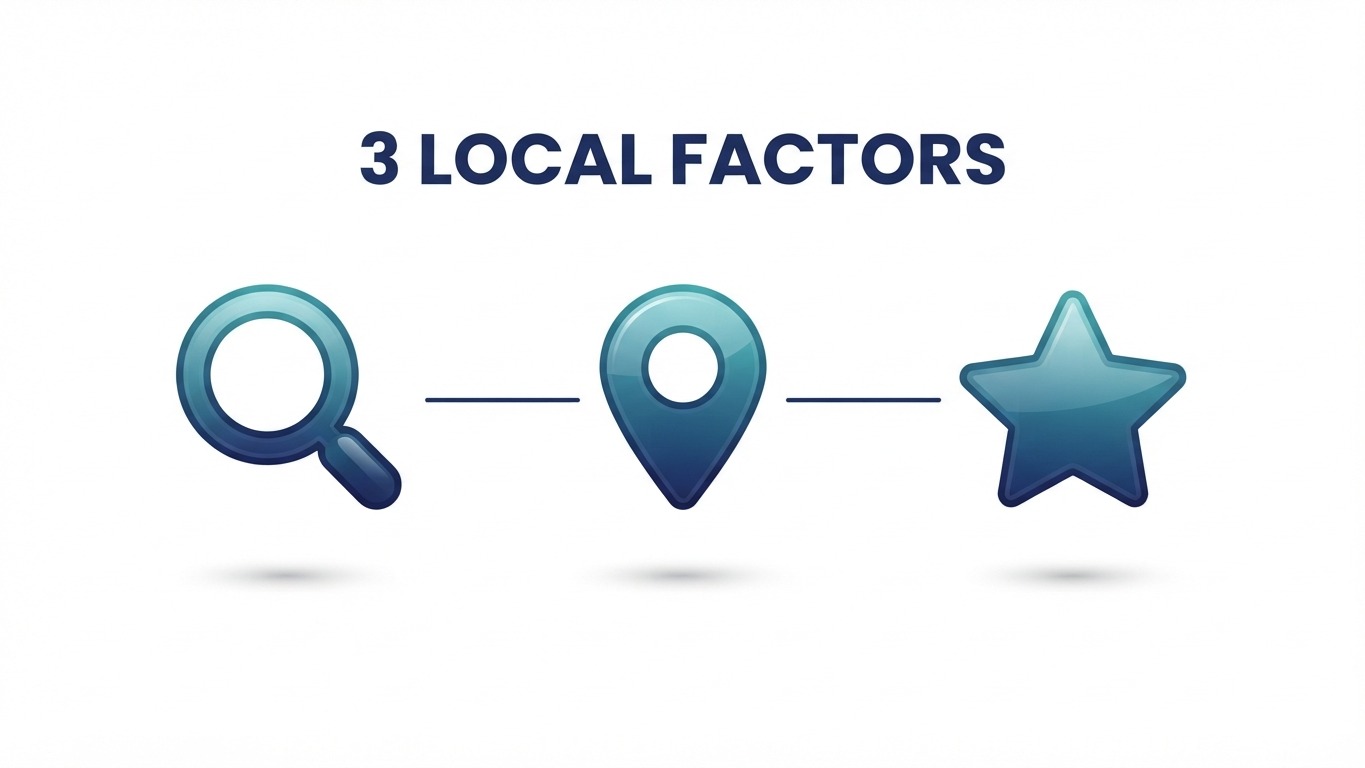
Google explains local results in its help page on improving your local ranking. Local results are based mainly on three factors: relevance, which is how well your profile matches what someone searched for; distance, which is how far you are from the searcher or the place they named; and prominence, which is how well known you are, including information from across the web such as links, articles, and reviews. You cannot change distance, but you control the other two with a complete, accurate profile and a steady flow of genuine reviews.
The same page says verifying your business tells Google you are authorized to represent it, so it is more likely to show up in search results. That makes verification the first real step, not an optional extra.
Can a Real Estate Agent Have a Google Business Profile?
Yes, with conditions. Google’s guidelines for representing your business name real estate agents among individual practitioners. A practitioner can have a profile when they are public-facing and can be reached directly at the verified location during their stated hours. Several limits follow from the same page:
- One profile per practitioner. You should not create extra profiles for different specialties.
- Support staff do not get their own. An assistant or transaction coordinator should not create a profile.
- Virtual offices do not qualify. The location must be a real place where you work.
- Service-area businesses hide the address. If you serve clients at their homes and do not meet them at an office, Google says to hide your address and set a service area.
If you work from a brokerage office, the usual choice is that office as your location. If your brokerage already has a profile, yours is a separate listing for you as a person, so keep the details consistent with the firm.
Set Up Your Google Business Profile for Realtors in Five Steps
- Search for your name first. A profile may already exist from your brokerage or a directory. Claim it rather than creating a duplicate.
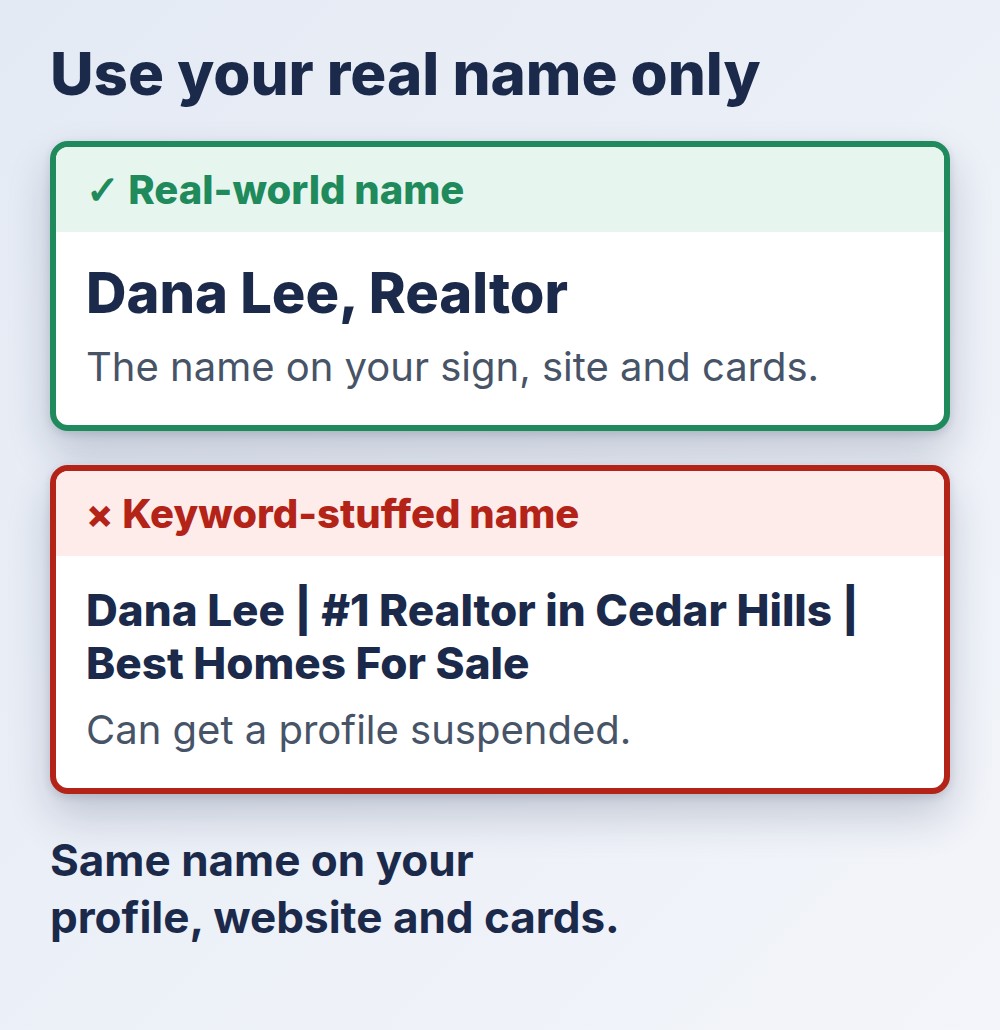
- Enter your real-world name. Use the name you use on your website and cards, exactly as clients know it.
- Choose your location type. Use the office address if clients can meet you there, or set a service area and hide the address.
- Pick your categories. Choose the most specific category that describes your work from the list Google shows, and add secondary categories only if they are true.
- Verify. Follow the verification options Google offers for your profile and finish the process, because an unverified profile cannot do its job.
What to Enter in Each Field
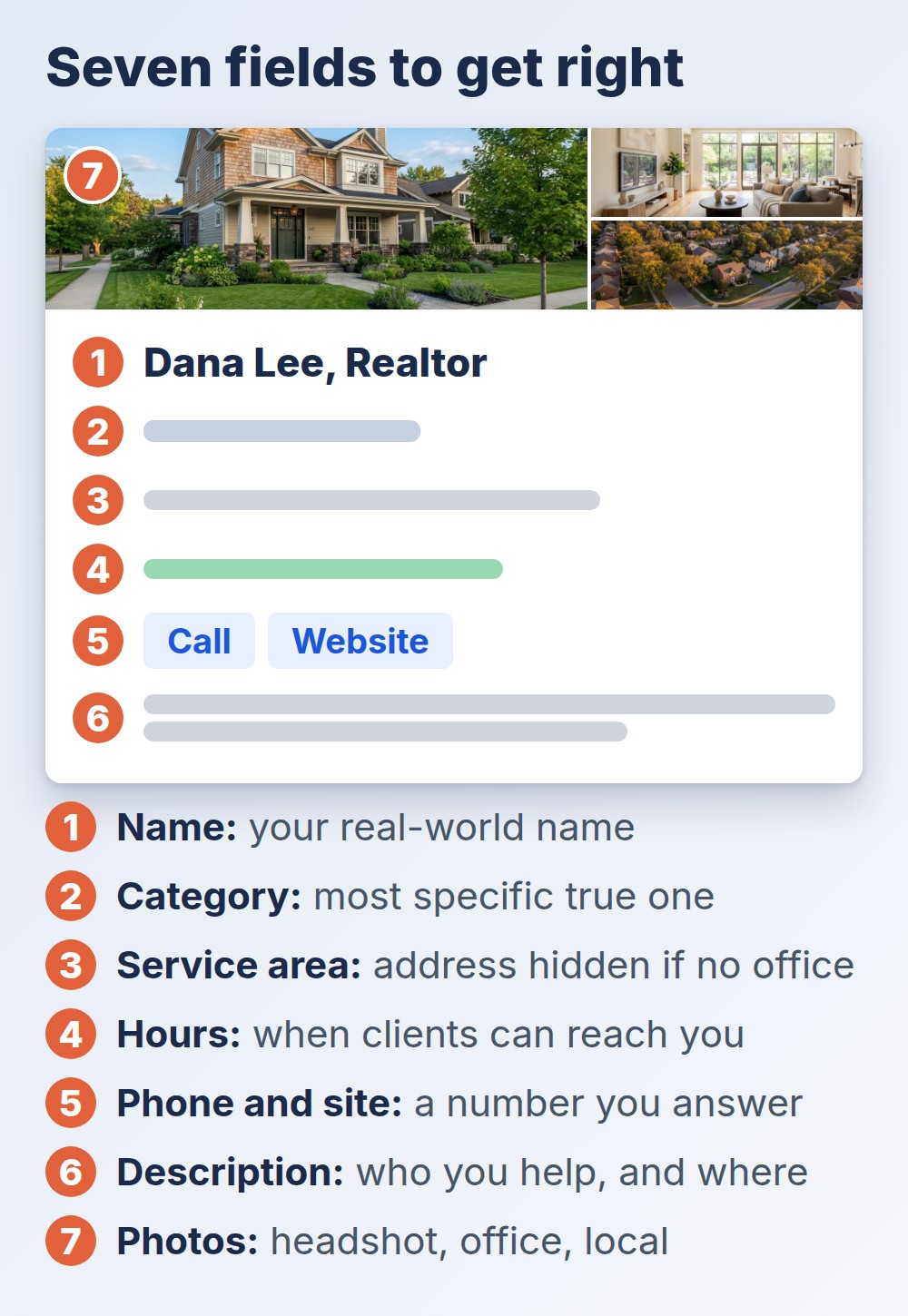
Most weak versions of a Google Business Profile for realtors have the same gaps. The table shows what to fill in and the usual mistake for each field.
| Field | What to Enter | Common Mistake |
|---|---|---|
| Name | Your real-world name, as used on your sign, site, and cards | Adding a tagline or “best realtor in [city]” |
| Categories | The most specific true category, plus true extras | Choosing categories for work you do not do |
| Address or service area | A real office, or a service area with the address hidden | Using a virtual office or a mailbox |
| Hours | The hours when clients can reach you | Leaving hours blank or never updating them |
| Phone and website | The number you answer and a page made for visitors | A number that goes to a dead line |
| Description | Who you help and where, in plain language | Links or promotional pricing, which Google does not allow there |
| Photos | A clear headshot, your office, and local photos | Stock images or an old photo |
The name rule is the one that costs agents the most. Google says unnecessary information in a business name is not permitted and can lead to suspension, and it lists marketing taglines and service descriptions among the additions it does not allow. Keep the name boring and exact.
Keep Your Google Business Profile for Realtors Consistent Everywhere
Google tells businesses to use the same name consistently on their storefront, website, stationery, and as known to customers. For an agent, that means the same spelling of your name, the same phone number, and the same brokerage line on your profile, your website, your social pages, and your business card details that should match online. Mismatches confuse both clients and search systems, so settle on one version and copy it everywhere.
Photos and Posts That Keep the Profile Alive
A Google Business Profile for realtors with no activity looks abandoned. Add real photos of yourself, your office, and the areas you serve, and replace them when they go out of date. If your profile lets you add posts, use them for things that are true and useful: an open house, a short market note, a recent sale you are allowed to share. Keep promotions honest and follow housing advertising rules, including the points in 24 CFR 100.75 on discriminatory advertisements, so describe the service and the area, not the kind of person who should live there.
A weekly ten-minute habit is enough. Our weekly routine for social media can double as the source of what you post here.
Reviews: Ask Often, Reply to All, Never Pay
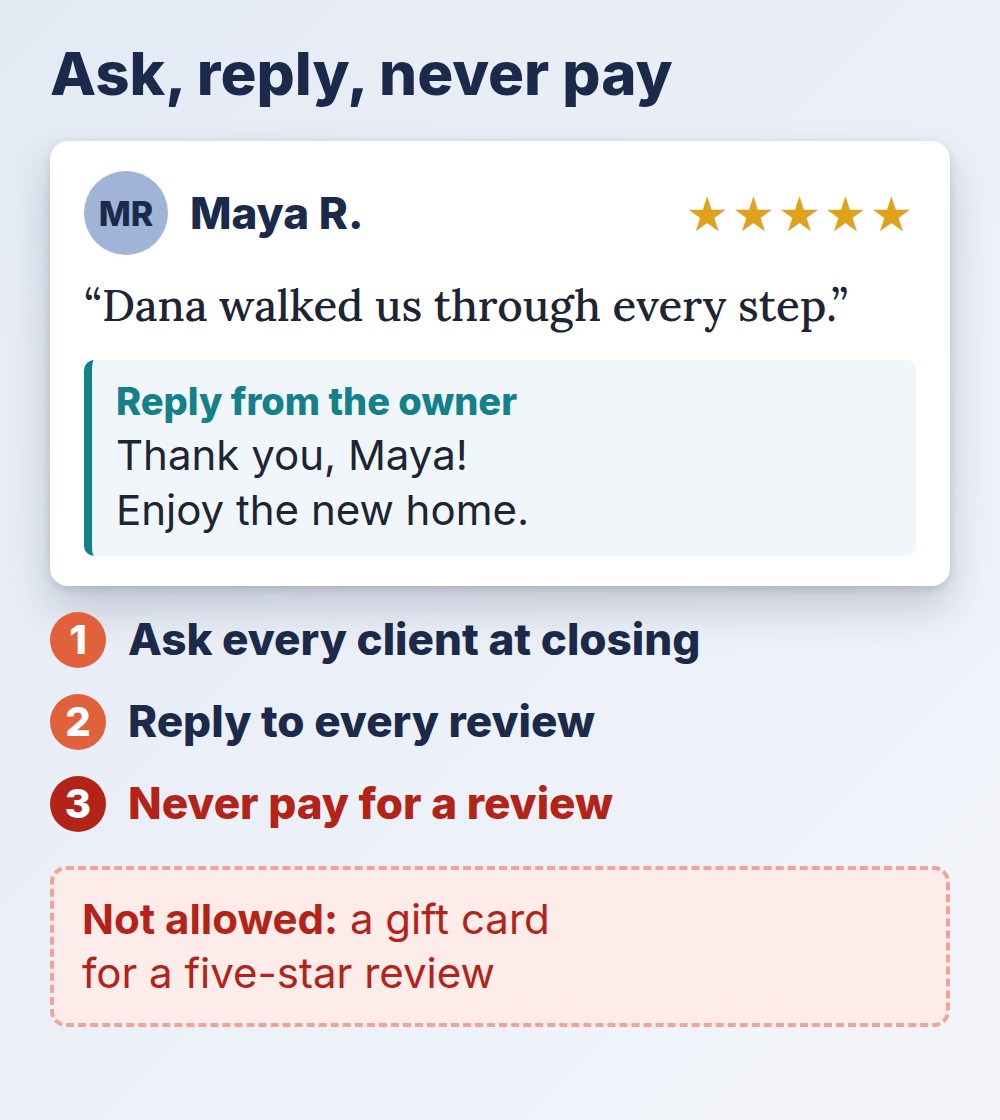
Reviews are the part of a Google Business Profile for realtors that feeds prominence, and they are also what a stranger reads before calling. Ask every client when the deal closes, and make it easy by sending a direct link to your review page. Reply to each review in a few plain sentences, including the critical ones, and never argue in public.
Do not offer anything in return. Google’s review policy describes incentivized reviews as those influenced by a payment, discount, free goods or services, or another benefit, and says that offering incentives for reviews undermines content integrity. A gift card for a five-star review is the clearest example to avoid. Separately, the FTC’s rule on consumer reviews, in effect since October 2024, bans fake reviews and buying reviews, so never write or buy one.
Mistakes That Get a Google Business Profile for Realtors Suspended or Ignored
- A keyword-stuffed name. It looks like a shortcut, and Google can suspend the profile for it.
- A duplicate profile. Two profiles for one agent split reviews and risk a suspension.
- A virtual office address. It is not eligible under Google’s guidelines.
- No verification. The profile exists but is less likely to appear.
- Reviews you bought or incentivized. They can be removed, and the profile can lose the ability to collect new ones.
- Letting it go stale. Old hours and an old photo send the wrong message.
Measure What Your Google Business Profile for Realtors Brings You
Check the performance information inside your profile once a month. Note how many people called, asked for directions, or clicked your website, and compare it with the months before you improved the profile. Record how each new client found you in your CRM, as the marketing plan and tracking template suggests, so you can see whether local search produces conversations and not just views.
Final Thoughts
A Google Business Profile for realtors is cheap, quick to set up, and easy to get wrong in small ways. Confirm you are eligible, use your real name, verify the profile, fill every field with true details, keep it consistent with your website and cards, and earn reviews without paying for them. Then spend ten minutes a week on it and check the numbers once a month. A profile that is complete and honest does more for you than one that is clever.
